
Virtual Training Simplified
Take Your Classroom Training Remote Anywhere in the World
Virtual Training – Take Your Training Online
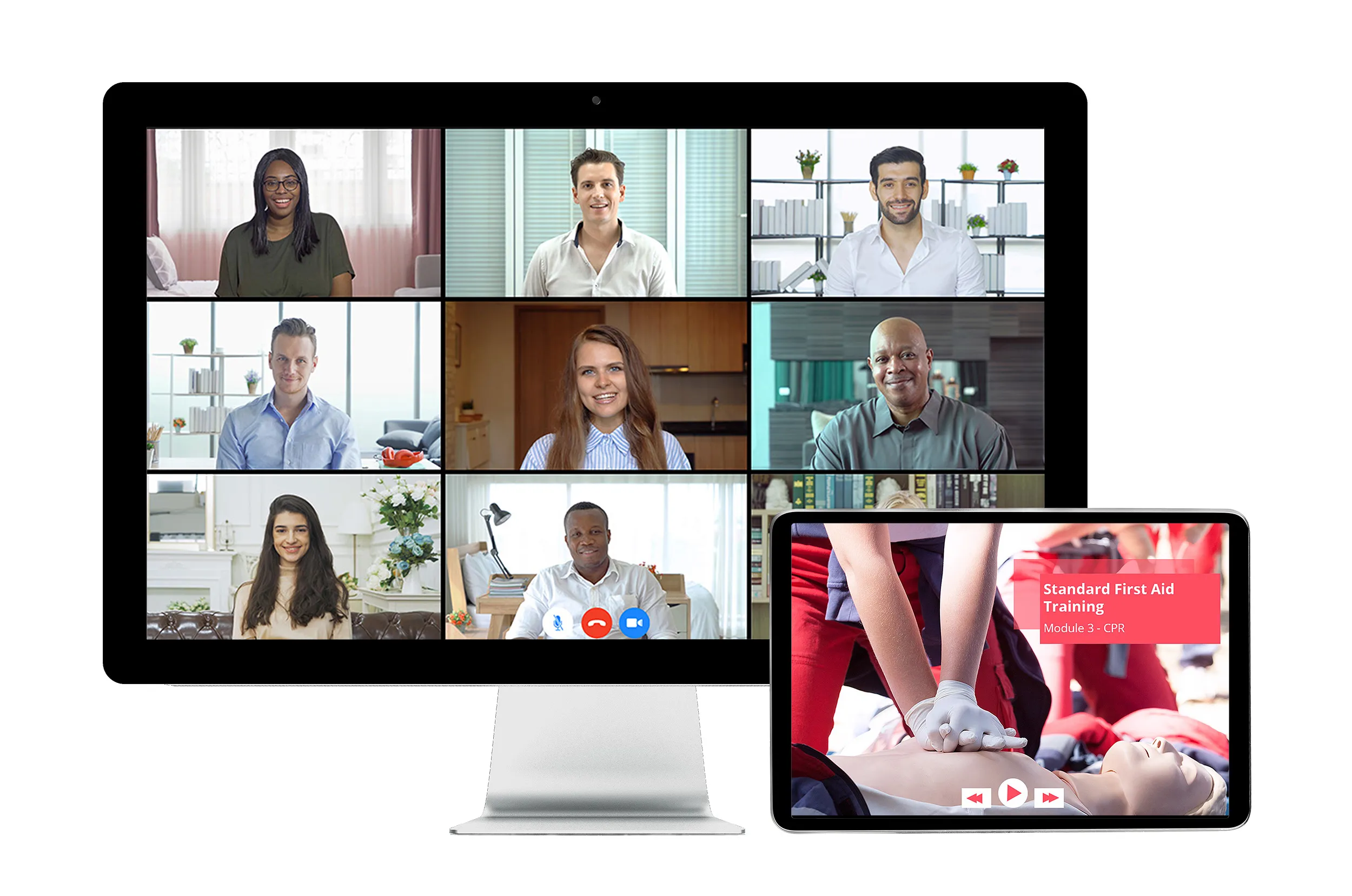
Moving courses online has never been easier, and the possibilities for remote training options are endless.
- Upload PowerPoint files for virtual learning
- Convert your existing classroom courses
- Add digital forms to any course
- Add online multiple choice or long answer exams
Classroom Calendar
Schedule classroom training events with an intuitive drag-and-drop technology: designate a classroom, assign an instructor, and enroll students easily.
Pre-Study Option
Assign online course content for pre-study to students who are registered for a classroom training event
Competency Validation
Directly link a competency validation form to an online course and require both to be successfully completed before receiving certificates
Role-based Course Assignment
Save time by assigning training to groups of individuals based on their company roles and training requirements.
Online In-class Option
Create and manage facilitated training for groups of students working on online courses all at the same time in the same classroom
Exam Engine
Test your employees’ knowledge using our integrated exam engine: create your own exams with randomized questions, answers, and more.
Registration Alerts
Ensure attendance with automated registration alerts, reminder notifications for participants and Google Map links for easy navigation
Survey Builder
Gather feedback from participants about your courses through customized surveys
Virtual Proctoring
Ensure the correct person is completing their assigned online coursework with webcam and photo ID for course authentication and completion.
Resource Sharing
Upload print materials to supplement online content or to use later during in-class training
Automated Record Upload
Upload own training records from any source: online, in-class sessions, or even third-party training
Course Bundling
Package multiple online courses together to create a comprehensive training program that complements in-class sessions
Instructor Manager
Identify and designate approved instructors; upload their training records and select the courses they’re certified to teach.
Classroom Profile
Detail a venue’s address, room capacity, muster points, designated parking areas, washroom locations, and available equipment.
Form Builder
Design customizable forms with drag-and-drop technology, then assign them as needed for practical training assessments
Features of Virtual Training
Blended Learning
Blended training integrates online training with the practical component. Combining hands-on practice with theory into a balanced program optimizes the overall effectiveness of training.
A blended method allows organizations to retain the benefits of instructor-led training while offering the convenience and flexibility of online training, creating a fully immersive experience. It provides several benefits to organizations such as:
- Cost effectiveness
- Consistency in content
- Convenience and flexibility
Identifying the best technology that combines the online experience with that of the classroom can be challenging. Blended training becomes more effective when it is created from the ground up to suit a company’s changing needs.
More Information
BISTrainer seamlessly integrates online theory with classroom training by allowing you to:
- Manage training records through our centrally integrated training record management system
- Set training requirements for both online and classroom learning that is specific to an individual’s company role and location
- Create training events, reserve classrooms, assign instructors, and enroll participants
- Create your own online courses based on specific company needs
- Develop customized online forms for a variety of applications, including evaluations and performance reviews

Online Exams
Take exams online with our online evaluation tool. It offers an easy, convenient, and secure way to deliver a variety of evaluations including pre-training and post-training knowledge tests or comprehensive technical exams.
Our integrated exam engine allows for a variety of tests to be administered, for whatever fits your needs! Tests such as:
Multiple Choice
Long Answer
Multi-Select
With our easy-to-use exam engine you have endless options to create question pools, randomize question and answer order and more to deliver a customized evaluation to each user.
Exams are instantly marked, tracked, and stored for review. Managing evaluations for multiple people in multiple locations is now easy and saves a ton of administrative time and money. A cloud-based storage system makes exam administering quick, easy, and convenient.
Client Feedback



Ready to Get Started?
With Virtual Training, your office can easily communicate over vast distances to keep your organization on track. Our Online Classroom Calendar is compatible with Zoom and Teams and our expansive catalogue of Online Courses will allow your employees to have the resources they need to do their best from anywhere.
Get started with these three easy steps.
Step 1 – Contact Our Team
If you are ready to utilize Online Orientations, reach out to our team and let them know you would like to get started! They can answer any questions and get things rolling.
Step 2 – Launch Your Branded Portal
Once our team has helped you get started, you can begin creating your orientations for any purpose and explore the features of the system as you learn.
Step 3 – Professional Onboarding
Once you have created the forms and orientations, you can distribute them to your valued staff and analyze the results to see the impact it has on your organization.
Paperless Forms
Companies fill out thousands of forms every year, on paper. However, administrative costs can be reduced, and electronic storage options can be found with one program.
Customizable Digital Forms and assessments software is an advanced form builder that incorporates innovative drag-and-drop technology, allowing companies to build and administer thousands of forms online. Each form can include checkboxes, dropdown lists, Likert scales, date and time stamps, as well as open text fields and electronic signatures. You can even add images and videos to the forms to provide additional information to those completing them.
The digital form platform allows for competency assessments and exams to be customized and added directly into your courses. Online learning has never been more accessible.
Virtual Proctoring
Virtual Proctoring ensures your students are completing the exams with integrity and precision with the use of web-based technology. Proctoring provides the ability to supervise the delivery of educational material, including competency exams, forms, or online courses.
By using biometrics and facial recognition technology, the software allows you to verify the identity of the learner and ensure learners are following the session rules. This means that it not only verifies identity, but also whether or not users are paying attention.
All of this is done using the capabilities already built in to web browsers and webcams, so no additional software is required to install.
Reseller Program
As a training organization, you can join the reseller program and instantly increase your training offerings.
Want to sell premium online safety courses directly from your website? With the Network Partner Reseller program, the expense of developing and hosting an online store and providing great technical support is all taken care of by us. We provide you with a custom-branded environment to sell online safety training to your clients.
Benefits include:
- Commissions are earned on every sale
- No ongoing monthly or annual fees
- Access to a continually growing library of safety training courses
- Addition of all new network courses to your website at no additional cost
- Ability to reach customers anywhere in the world
- Promotion of your company on the network partners page of our website
- Inclusion in a fast-growing network of safety training providers
We take care of the portal setup, technical support, and system administration so you can focus on your clients and service offerings.
FAQ
How can someone show their practical skills through a virtual course?
How do I get forms and worksheets to virtual course participants?
Due to physical distancing, my classroom courses can only hold 10 people instead of 30. How can virtual training help?
With virtual learning, you can increase the number of people that can participate in each of your classroom courses from remote locations.
In addition, the minimum and maximum number of seats can be customized by the administrator or the instructor. You can also use pre-paid course codes that are only used when a student enrolls so there is never a wasted seat.
Want to take your training online?
Discover the benefits of taking your training remote.
Provide your traditional training courses faster, to more people, and at a lower cost.