
Employee Tax Forms
Complete Digital Versions of
Government Forms for You and Your Team
Employee Tax Forms
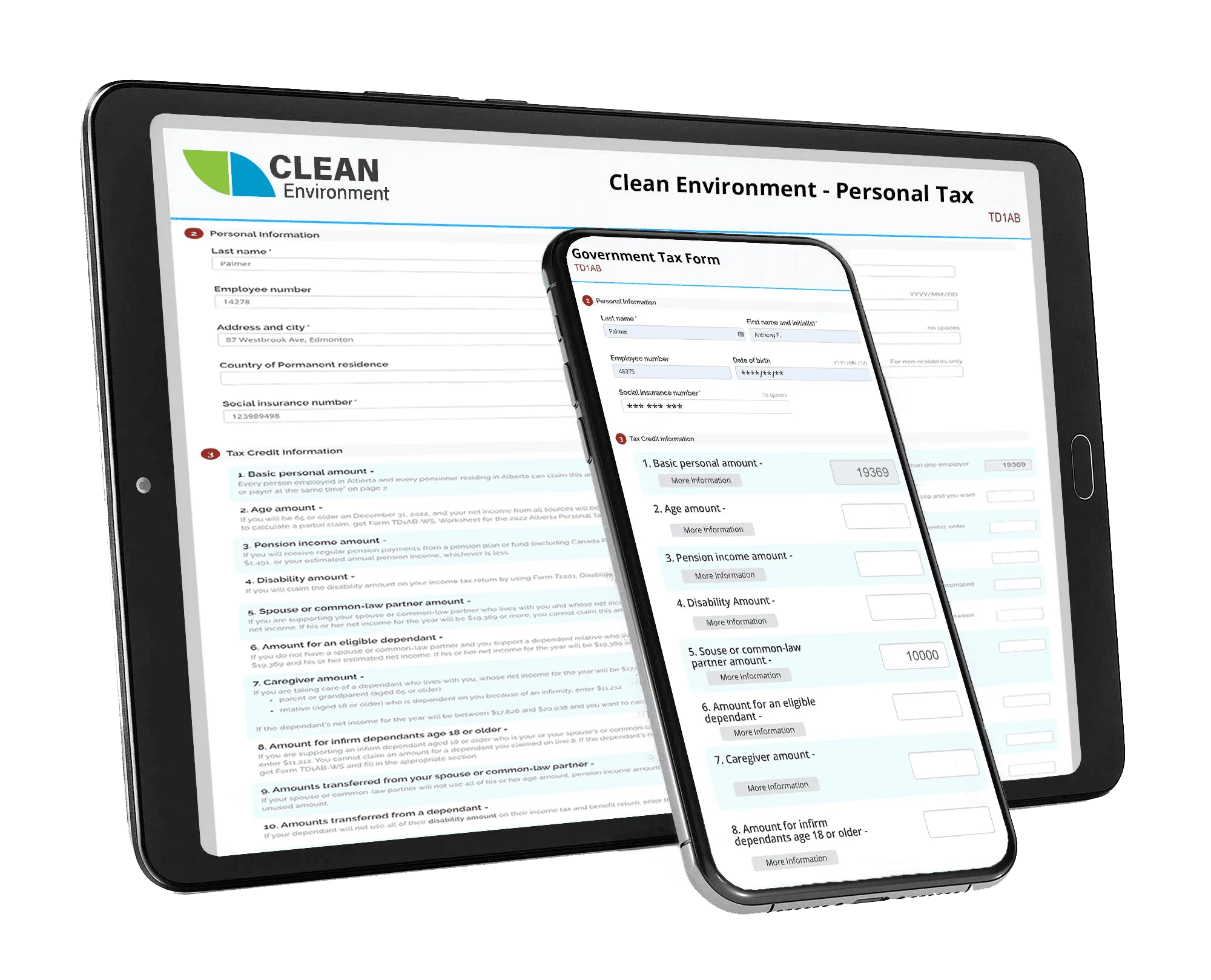
When integrating new employees or institutional systems into your business, keeping track of the subsequent information with generic and rigid government forms can be a challenge. With Digital Forms software from BIS, you can smoothly transition information between business and government forms to keep all your sensitive information protected, reputable, and easily to access. The following are some of the many other features of Digital Forms:
- Auto-Assign Forms to Employees
- Choosing from a Library of Templates
- Digital Signatures
- Mobile Compatibility
- Permission Management
More about Digital Forms Software
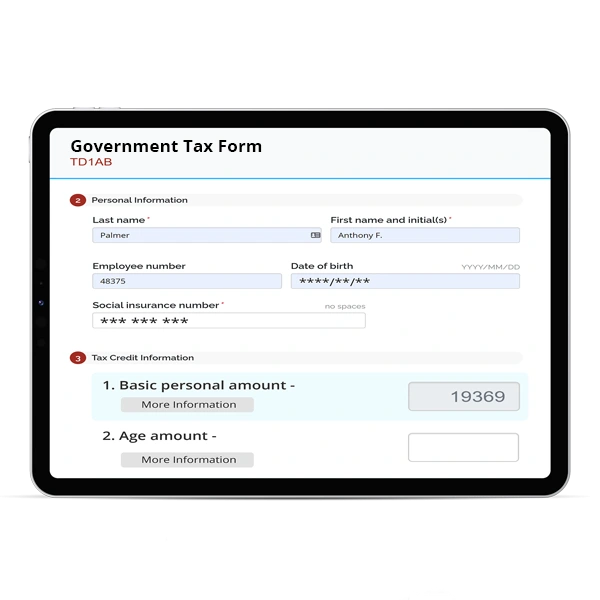
With the Digital Forms feature of BIS Safety Software, employers can easily create their own forms to distribute to employees, which can then be used to autofill information and numbers into a ready-to-print government form without the hassle of inputting the information yourself. These forms can be centralized online, rather than storing them in desks that make accessing and maintaining them much more difficult. With this, these forms can be accessed from anywhere and by anyone with the appropriate permissions.
BIS Safety Software allows you to upload various documents and files into a cloud-based storage space for your team, same to how folders work on a desktop. This tool provides broad choices for giving employees with simple access to corporate papers, reporting on acceptance and sign-off, as well as automated expiry notifications and reassignment once they have been posted.
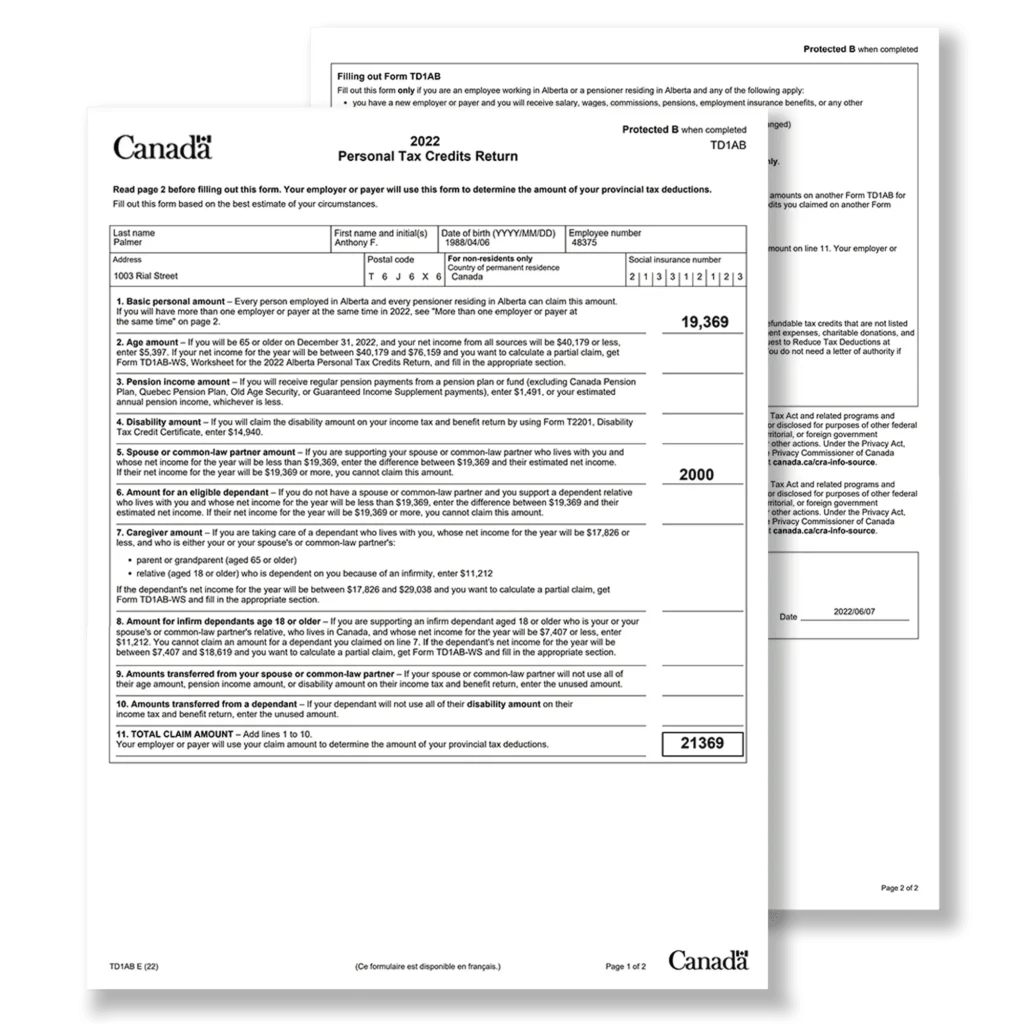
When your forms are filled, they can simply export the necessary data from boxes or columns into the corresponding boxes in the structure of a government form, saving your business from confusion and time wasting.
Click this link to learn more about our Digital Forms and Folders
Easily Output Forms
Generate Data To Government Accepted Formats

Did you Know?
When working with Government Forms, it can be difficult to integrate inflexible sheets into your business. Therefore, the following are some aspects of Government and Onboarding forms that your business can consider.
Common Mistakes
Area for Improvement
A study by Gallup found that only 12% of employees strongly agree their organization does a great job of onboarding new employees. This means that 88% percent of employees on average believe that their employer could improve this aspect of their integration.
Emerging Solutions
Security and Encryption
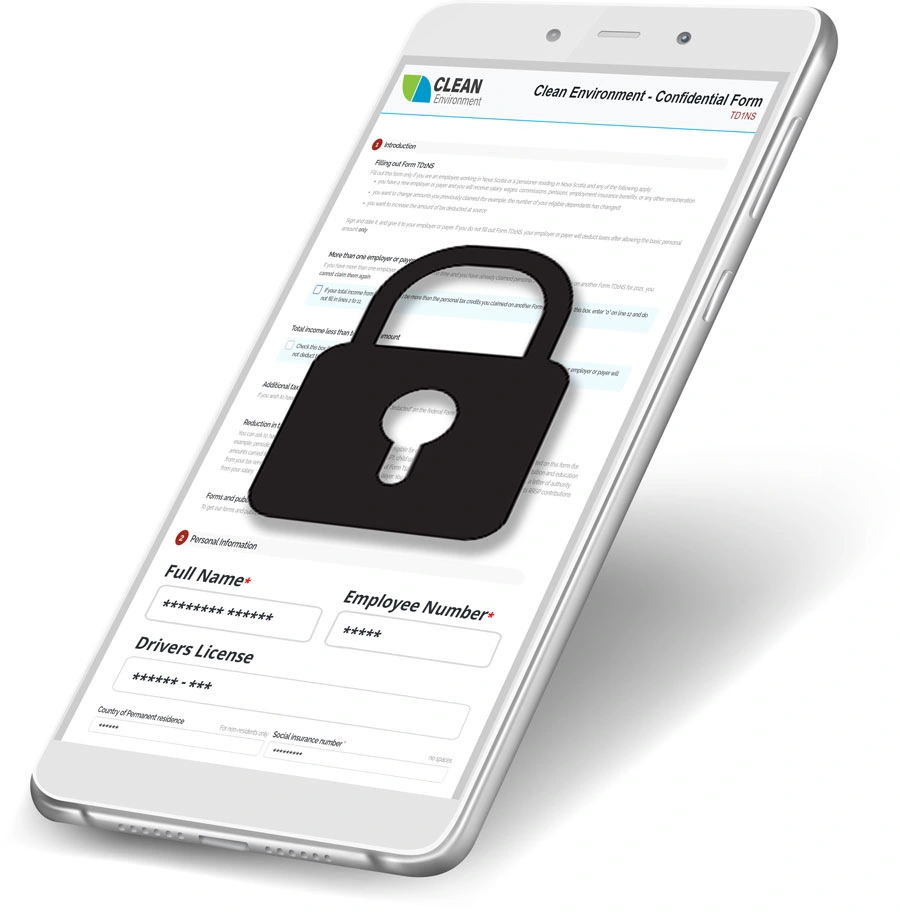
Your data is secure with features like HTTPS encryption, specialized firewalls, virus prevention, and more when using Amazon Web Service’s cloud technologies. We employ cloud storage to respond swiftly to changing system demands, allowing us to scale up to thousands of new users at a moment’s notice.
Single Sign-On (SSO) uses your internal business systems’ authentication procedure to authenticate user credentials, allowing employees to check in to any internal corporate system and then instantly access our product without having to log in again.
Ready to Get Started?
With our Digital Forms module, your business can easily propagate government tax forms for you and your team. You can choose from our library of templates, collect digital signatures, auto-assign forms and more.
Learn how to make the most of the system with these three easy steps.
Step 1 – Contact Our Team
If you are ready to utilize Online Orientations, reach out to our team and let them know you would like to get started! They can answer any questions and get things rolling.
Step 2 – Launch Your Branded Portal
Once our team has helped you get started, you can begin creating your orientations for any purpose and explore the features of the system as you learn.
Step 3 – Professional Onboarding
Once you have created the forms and orientations, you can distribute them to your valued staff and analyze the results to see the impact it has on your organization.
Some of the Great Companies Who Use the BIS Safety Software System





Critical!
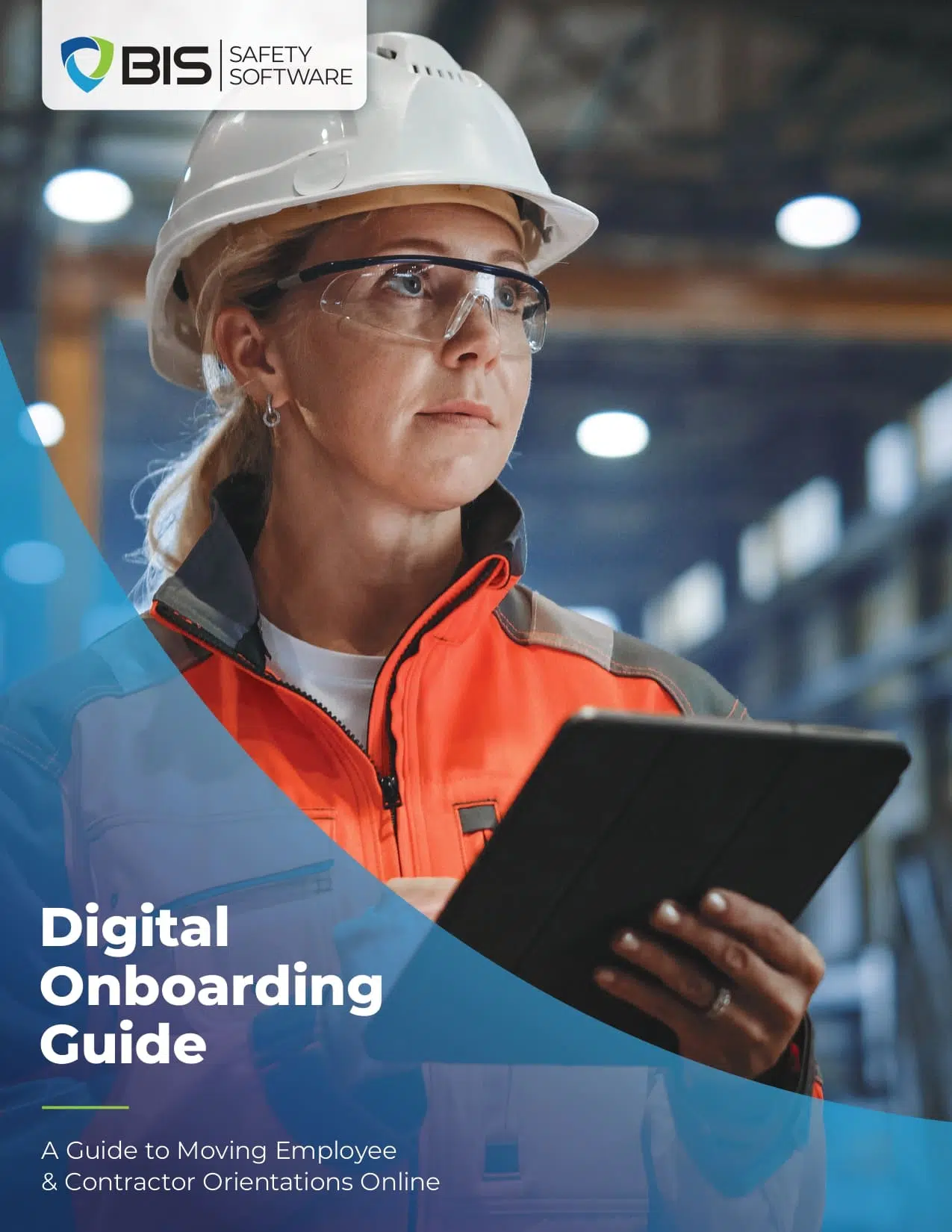
Digital Onboarding Guide
Prepare for a Smoother Onboarding Transition
This guide highlights:
- Onboarding goal setting
- Software selection factors
- Process mapping steps
- Team training needs
- Transition planning checkpoints
Mobile Compatibility
BIS Safety App
Support your health & safety management system with one convenient safety app.
With BIS Safety App you can access:
- Mobile Compatible Online Courses
- Employee Training Records
- Digital Safety Forms
- Digital Folders
- Equipment & Asset Manager
- ID Badges
- and more
Download and store your training certificates on any smart phone or tablet.