
Digital Safety Forms Software
Digital Safety Forms Software
Onboarding, maintenance, incidents forms and more
Online Safety Forms & Assessments
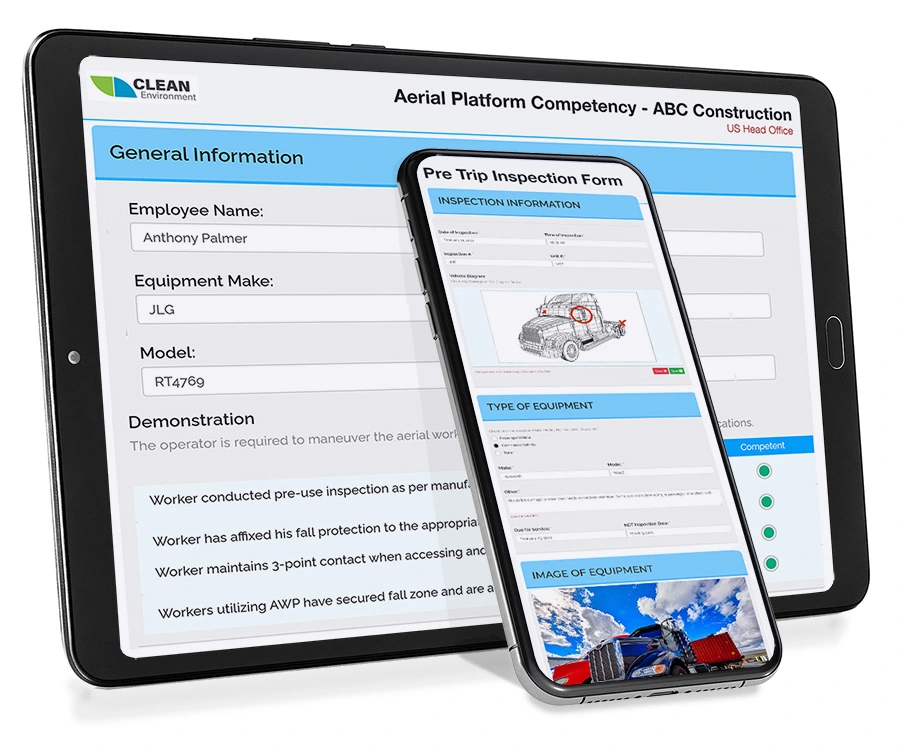
Online and Offline Mobile Functionality
The customizable mobile safety forms and assessments software is an advanced form builder that incorporates innovative drag-and-drop technology, allowing companies to build and administer thousands of forms online.
Each form can include checkboxes, dropdown lists, Likert scales, date and time stamps, as well as open text fields and electronic signatures. You can even add images and videos to the forms to provide additional information to those completing them.
Learn more about Mobile Forms
Each year, many companies have their staff fill out thousands of forms on paper, leading to issues finding electronic storage options or paying for data entry. But what if most of these administration costs could disappear with one simple program?
Users can fill out forms with any smart phone or tablet through a responsive and secure webpage that instantly tracks data. As they fill them out, they can upload images, notes, and even videos into the forms directly from their mobile devices. All forms can then be viewed online and printed in a .pdf format, and all data can be exported into Excel for trending data.
The mobile safety forms can even be used and accessed if you lose your internet connection. Any changes you make will be synced once you re-gain your internet connection. It is important to note that to login to the software or the included app you do need to have a working internet connection, however, if you enter an area where the signal drops you can continue to fill out the forms and they will sync once you re-connect so long as you do not exit the browser or shut down your phone.
Mobile Forms can be used to do even more. With Online Government Forms you can propagate tax forms, government forms and more into easily readable documents effortlessly that can be accessed from anywhere.
AI Form Generator
AI accelerates your digital transition:
- Generate digital safety forms from uploaded files or written prompts.
- Automatically configure the right form fields like checkboxes and text areas.
- Use the built-in AI Chat panel to refine the generated preview in real time.
- Eliminate the hours spent manually rebuilding paper forms from scratch.
Push the AI-generated preview into the manual builder for final review. Forms automatically default to “Test” status, giving administrators total control over permissions and settings before pushing new digital forms live to your workforce.
Al Forms for Safety
Simplify Compliance Tracking
Al-powered forms help your team convert safety checklists into digital versions that work on any device. Upload existing assessments, inspections, or sign off sheets, and generate mobile-ready forms that connect directly to your reporting dashboard.
Gain visibility into your workers’ assessments, inspections, and audits. Follow-ups can be assigned, corrective actions scheduled, and records kept organized to stay audit ready
Popular Uses for Al Forms- Field Level Hazard Assessments
- Deliver and track Incident Reports
- Document safety audits, inspections, and corrective actions
By moving training forms online, your organization reduces paperwork, improves reporting efficiency, and strengthens compliance across sites.
Reporting and Analytics
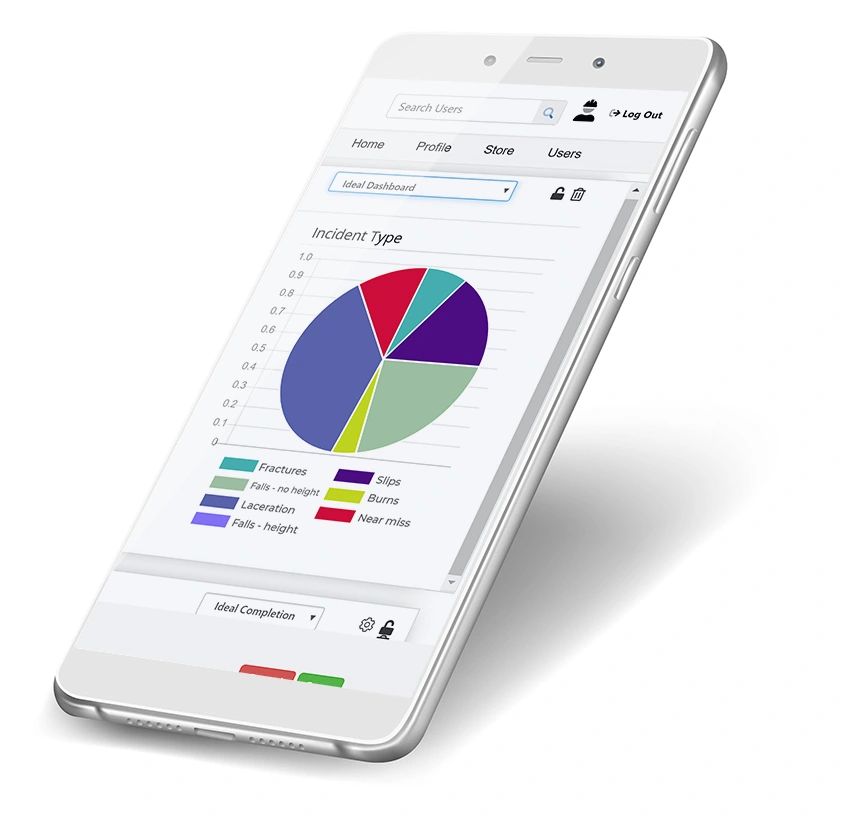
You have access to all of the data and analytics contained in any mobile form filled out by your employees. Make better safety and business decisions by having a clearer picture of what is happening on your work sites.
View real-time reporting on:
- Near misses
- Incidents at each work site
- Site audits
- Hazard and risk assessments
- COR audits
- Equipment maintenance
- Toolbox talks
- and more
Common Questions About Digital Safety Forms
What is an example of a digital safety form?
A strong example of a digital safety form is a hazard checklist, used to track and close safety issues after they are identified.
In a digital format, a corrective action form goes beyond documenting the issue. It links the hazard to a root cause, assigns responsibility, sets deadlines, and tracks completion status automatically. Managers can see overdue actions in real time, attach photos as evidence of resolution, and maintain a full history for audits or inspections.
This type of digital safety form is critical because it connects safety observations to measurable action, helping organizations prove that hazards are not just identified but actually resolved.
What are examples of online forms?
Online forms are used for everything from daily work logs and purchase requests to complex business workflows.
However, the most advanced examples are found in industrial operations, such as:
- Incident Reports: Not just a text box, but a workflow that captures GPS, photos, and witness signatures.
- Job Hazard Analyses (JHA): Forms that use logic to guide workers through safety checks based on weather or site conditions.
- Compliance Audits: Checklists that score answers in real-time to verify regulatory adherence.
What are the four types of forms?
When digitizing business processes, forms typically fall into four levels of maturity:
- Static Forms (Digitized Documents): Simple PDFs or Word docs that are typed into but lack data structure.
- Basic Web Forms: Simple linear inputs (like contact forms) that collect raw text without validation.
- Logic-Driven Forms: “Smart” forms that use conditional logic to show/hide fields based on previous answers, ensuring relevant data collection.
- Integrated Workflows: The highest standard forms that not only collect data but automatically trigger actions in other systems (e.g., halting unsafe work, sending a safety alert, or initiating a maintenance ticket) upon submission.
How do I create a secure online form?
At a basic level, creating a secure form means choosing a platform that uses SSL/HTTPS encryption to protect data while it is being sent over the internet.
However, for enterprise use cases, especially those involving personnel safety or compliance data, true security requires three additional layers:
- Role-Based Access (RBAC): Unlike public survey forms, secure business forms should restrict visibility. For example, a “Near Miss” report should be viewable by the Safety Manager, but the medical details within it should be locked to HR only.
- Data Encryption at Rest: Security isn’t just about sending the data; it’s about how it sits in the database. Secure forms ensure that even if a server is physically compromised, the data remains unreadable.
- Immutable Audit Trails: In safety and legal scenarios, “security” also means integrity. A secure form system tracks every edit made to a record, ensuring that evidence from an incident report cannot be tampered with after the fact.
Fast and Easy Deployment
Unlimited technical support and a dedicated team to get you started
Your entire team will be up and running with mobile safety forms before you know it. When you sign on to use the BIS Safety Software digital forms feature you will have almost instant access to over one hundred digital form templates which means you don’t have to set up any forms yourself. Just dive in and start assigning forms to your team.
Fully Customizable Forms

Choose from over 100 pre-made form templates to use as they are or take advantage of the drag and drop technology to customize the forms to suit your exact needs!
Know exactly how you want the form set up? Create your own forms from scratch in minutes with elements like:
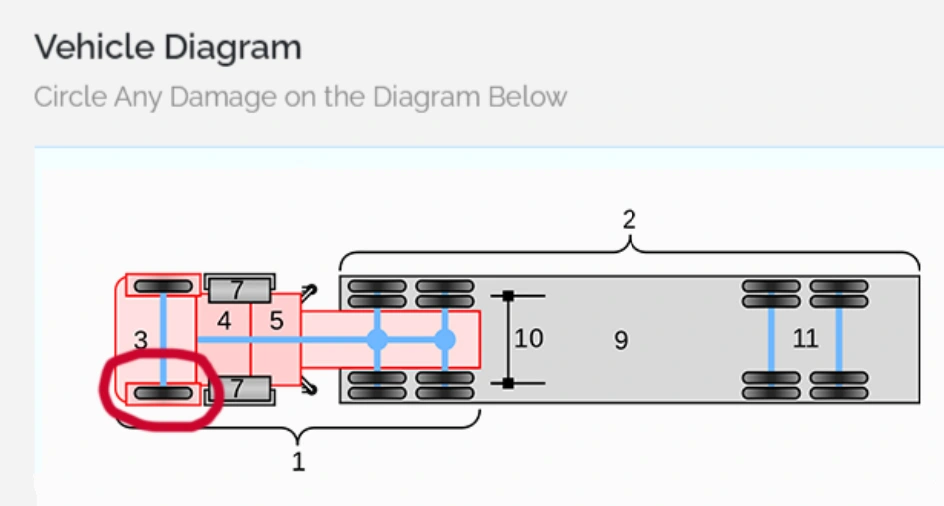
Diagrams
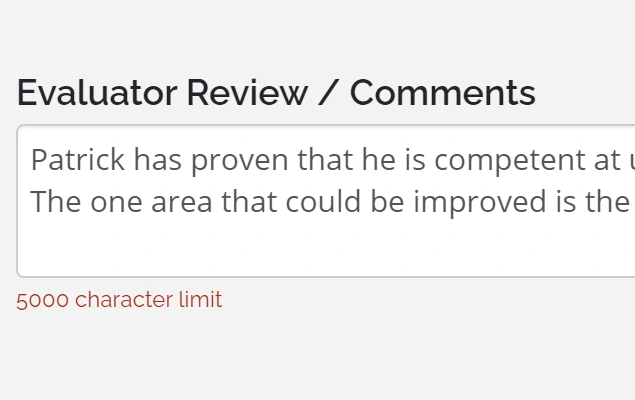
Text Fields
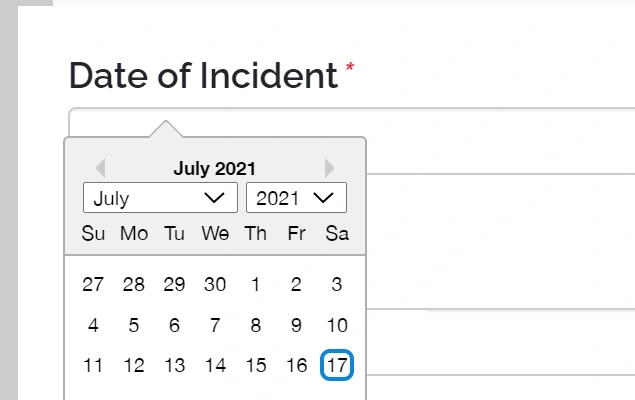
Date and Time
Videos
Images
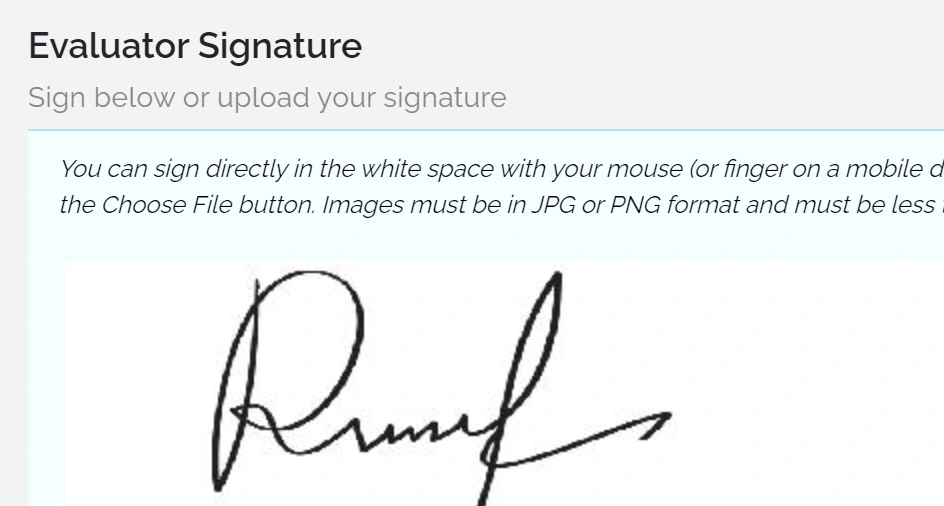
Electronic Signatures
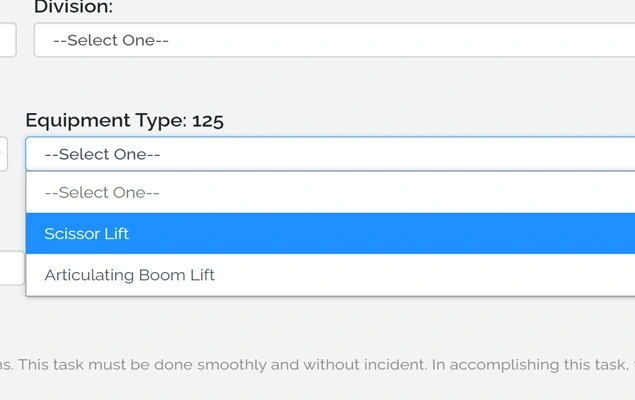
Dropdowns
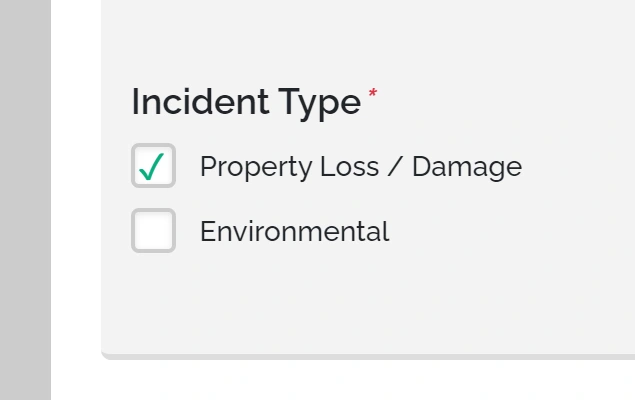
Check Boxes
PDF Uploads/Downloads
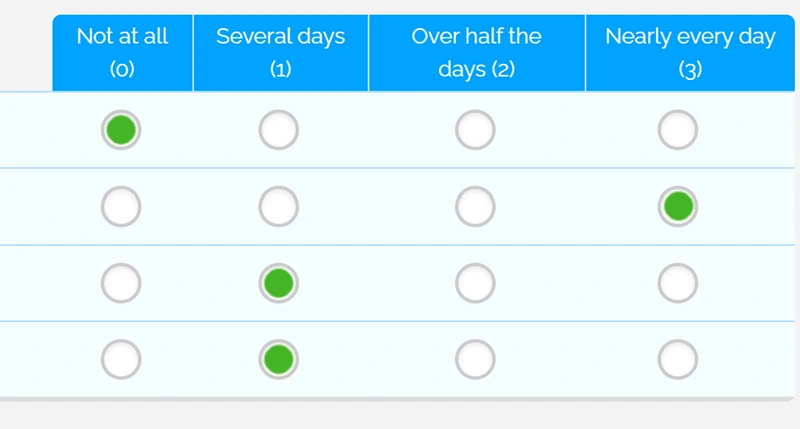
Likert Scales

GPS Tagging
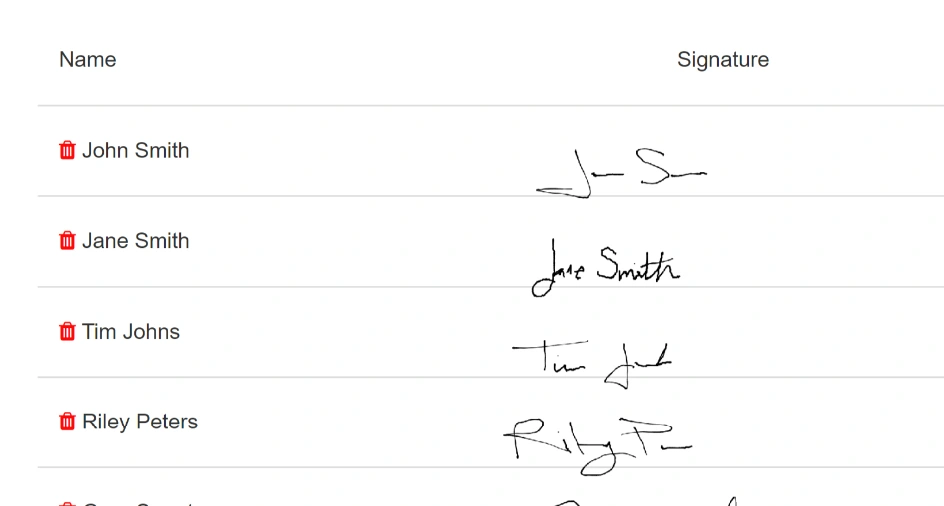
Attendance Tracking
A Few of Our Fantastic Clients




New!
Environment, Health, and Safety (EHS) Software Privacy Guide
Understand the Privacy Tradeoffs Hidden Inside EHS Software
In this guide, you will get:
- Privacy risks created by everyday system decisions
- Warning signs of unnecessary personal data collection
- Examples of safety data being used too broadly
- Common breakdowns in privacy request handling
- Practical concerns around international system access

Potential Uses for Mobile Forms
Daily Toolbox Talks
Online toolbox talks are a great way to deliver the daily safety information your employees need.
If you’re looking to implement regular talks then choosing an online option can save you time in preparing and giving the same quality of presentations again and again. It also ensures that the information imparted is consistent and covers all of the important points.
Interactive features keep your workers engaged and there are tests that let you know how much of the information has been retained. If you are looking to give frequent toolbox talks on a large scale, then choosing an online option may prove to be extremely cost-effective in terms of both time and money.
Equipment Management
Integrated with our Equipment Management feature, online equipment maintenance forms allow operators and mechanics to complete inspections, maintenance, repairs, and logs in the field, then instantly upload the completed forms into the system. With multimedia integration, personnel can take pictures of equipment damage and upload the images directly into the form, giving you detailed and accurate reports to improve your preventative maintenance processes.
Once uploaded, your designated admin and qualified personnel will be notified and can change the status of the equipment accordingly. Using advanced notification technology, you can set how frequently each form must be completed and have automated notifications send to specified personnel near the due date. You can even program escalating notifications for outstanding and overdue forms to ensure your maintenance processes remain on schedule.
Hazard Assessment Forms
With online hazard assessment forms, your employees can use their smart phones to complete assessments and include pictures, notes, and videos of potential hazards. Completed forms can then be instantly stored and accessed on demand with real-time alerts if attention is required from another department.
Behaviour-based Safety Observation Forms
When applied effectively, behaviour-based safety is one of the most powerful tools for reducing injuries and accidents within the workplace. An important part of behaviour-based safety is observation forms that can be used to identify at-risk behaviours. With the forms and assessments builder, you can create and complete these observation forms on demand. Employees will have the option to include detailed notes, comments, and suggestions. Managers can then access completed forms and trending data to identify at-risk behaviours and work to reduce them.
Competency Validation
Moving competency validation online allows you to digitally track employee competency in key tasks for any job, including safety inspections or the use of fall protection equipment. You can even upload tutorial notes and videos to train inspectors on how to properly perform a competency validation assessment. Having all of this online means quick access to reporting and the ability to see aggregate data across a specific department or entire organization.
Performance Assessments
Online assessments mean you can use company tablets to complete annual assessments, performance reviews, coaching evaluations, and even new hire on-boarding checklists. All forms are then stored in the cloud and are accessible on demand to those with the right security clearance. Once accessed, the results of annual assessments can help you track performance and create performance goals for the company as a whole or for each department or individual employee.
Mobile Compatibility
BIS Safety App
Support your health & safety management system with one convenient safety app.
With BIS Safety App you can access:
- Mobile Compatible Online Courses
- Employee Training Records
- Digital Safety Forms
- Digital Folders
- Equipment & Asset Manager
- ID Badges
- and more
Download and store your training certificates on any smart phone or tablet.


Digital Safety Forms – More Info
Online safety forms and assessments software can help companies achieve greater efficiency. In these modern times, it doesn’t make sense to force staff members to laboriously fill out forms by hand. Using online forms is a great way to keep a company on the cutting edge of technological development. Whenever companies automate paperwork and clerical work, this leads to conditions more amenable to revenue growth and solid profits.
When looking for online hazard assessment forms, it is important to partner with a commercial software company that is trustworthy. By patronizing an excellent software company, a company can improve its chances of surviving short-term crises that periodically damage market positions. The incident investigation form is one of the most important types of forms processed by any company. Depending on how these forms are managed, an organization can either move on from an incident or face severe legal liability. These risks are particularly acute when dealing with workplace accidents. If incident investigation forms are not properly filled out or saved, this can lead to lawsuits that cost companies enormous amounts.
With online forms, companies can standardize and simplify their paperwork. Rather than simply responding to accidents as they happen, it is a wise idea to conduct thorough hazard assessments. By utilizing online hazard assessment forms, you can take control and proactively safeguard your company’s future. Safety forms and assessment software are simply indispensable in the modern business world. The next time you think about printing out multiple copies of your competency validation assessment, look at the online form options that are currently available. By reducing the amount of physical paperwork in the workplace, an office manager can spend more time on the work that matters to your business, and less time sorting and searching for paper documents.
Drowning in a sea of paper-based forms and assessments?
Stop the tidal wave! Our form builder enables you to recreate any paper-based document so it can be completed online using a computer, tablet, or smartphone.