Why the Right Features Make Hazard ID Software a Safety Asset

Hazard Identification (Hazard ID) software is a cornerstone of a proactive safety program. In industries such as construction, oil and gas, and manufacturing, slow hazard detection or escalation can have severe consequences. A truly effective system does more than store information, it helps workers act quickly, supports teams in the field, and provides data-driven insights.
Here are 10 important features that elevate hazard ID tools into essential safety resources:
1. Instant Hazard Reporting
Speed matters. Real-time tools allow workers to:
- Report hazards immediately on the spot
- Add relevant site or equipment details
- Add relevant site or equipment details
Faster reporting means faster action.
2. Mobile Access with Offline Mode
Remote locations can’t rely on constant internet. Top software:
- Runs smoothly on phones and tablets
- Saves reports offline and syncs automatically
- Offers easy navigation even with gloves on
This ensures hazard capture anywhere, anytime.
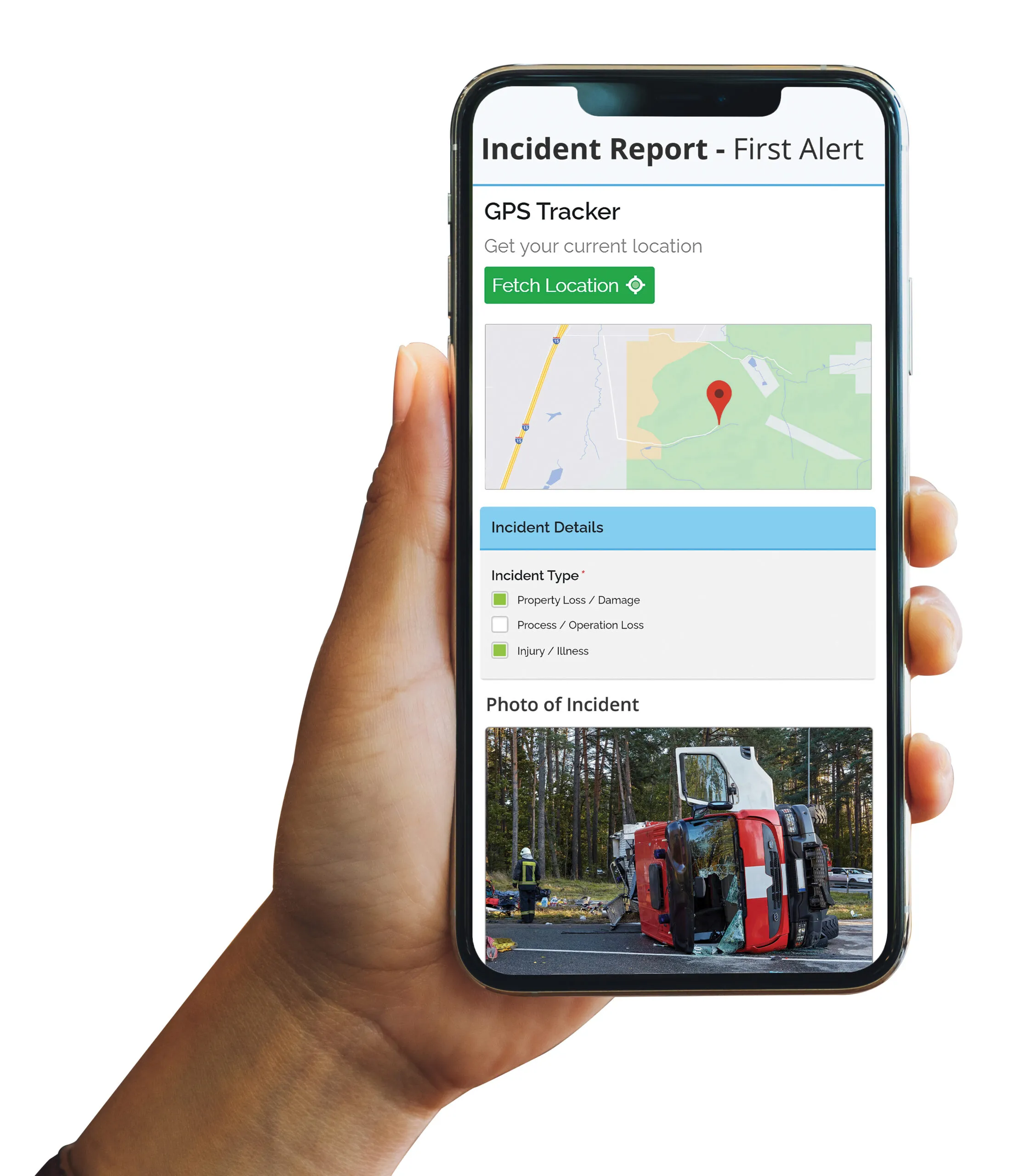
3. Multimedia Attachments
Images and videos reduce misunderstandings. The right tools:
- Allow uploads directly within the app
- Support captions and annotations
- Provide multiple image options for recurring hazards
Visual clarity speeds up resolution.

4. Location & Time Tracking
Accurate reporting requires:
- GPS location for each entry
- Automatic time and date stamps
- Map integration for trend mapping
This improves record-keeping and compliance.
5. Adaptable Forms
Every site has its own needs. Good software:
- Offers various field types like drop-downs and free text
- Allows role- or location-based workflows
- Uses smart prompts to simplify reporting
Custom forms reduce wasted time.
6. Smart Routing & Notifications
Critical hazards need fast attention. Routing features:
- Send high-severity reports to the right contacts
- Trigger reminders for overdue tasks
- Track accountability until closure
This keeps hazards from slipping through.

7. Hazard Pattern Analytics
Look beyond single events. Strong analytics:
- Track submission frequency
- Compare hazard types across teams or shifts
- Link trends to near-miss or incident data
These insights strengthen safety strategies.
8. Linked Corrective Actions
Hazard reports should lead to fixes. Effective systems:
- Assign corrective actions with deadlines
- Track completion digitally
- Include performance reviews for management
This ensures issues are resolved.
9. Anonymous Submission Options
Some reports are sensitive. Anonymous tools:
- Protect identities when reporting
- Encourage speaking up without fear
- Reveal issues that might stay hidden
This builds a healthier safety culture.
10. System Integration
Hazard data works best when connected to:
- Training systems to assign courses
- Incident investigation tools for root cause analysis
- Audit and inspection tools for full oversight
Integrated systems provide complete safety visibility.
Conclusion:
Hazard ID software should be a catalyst for safer worksites, not just a digital storage space. These 10 features help safety teams act quickly, address issues effectively, and continuously improve their safety programs.
With the right platform, every report becomes an opportunity to protect workers and strengthen your safety culture for the long term.